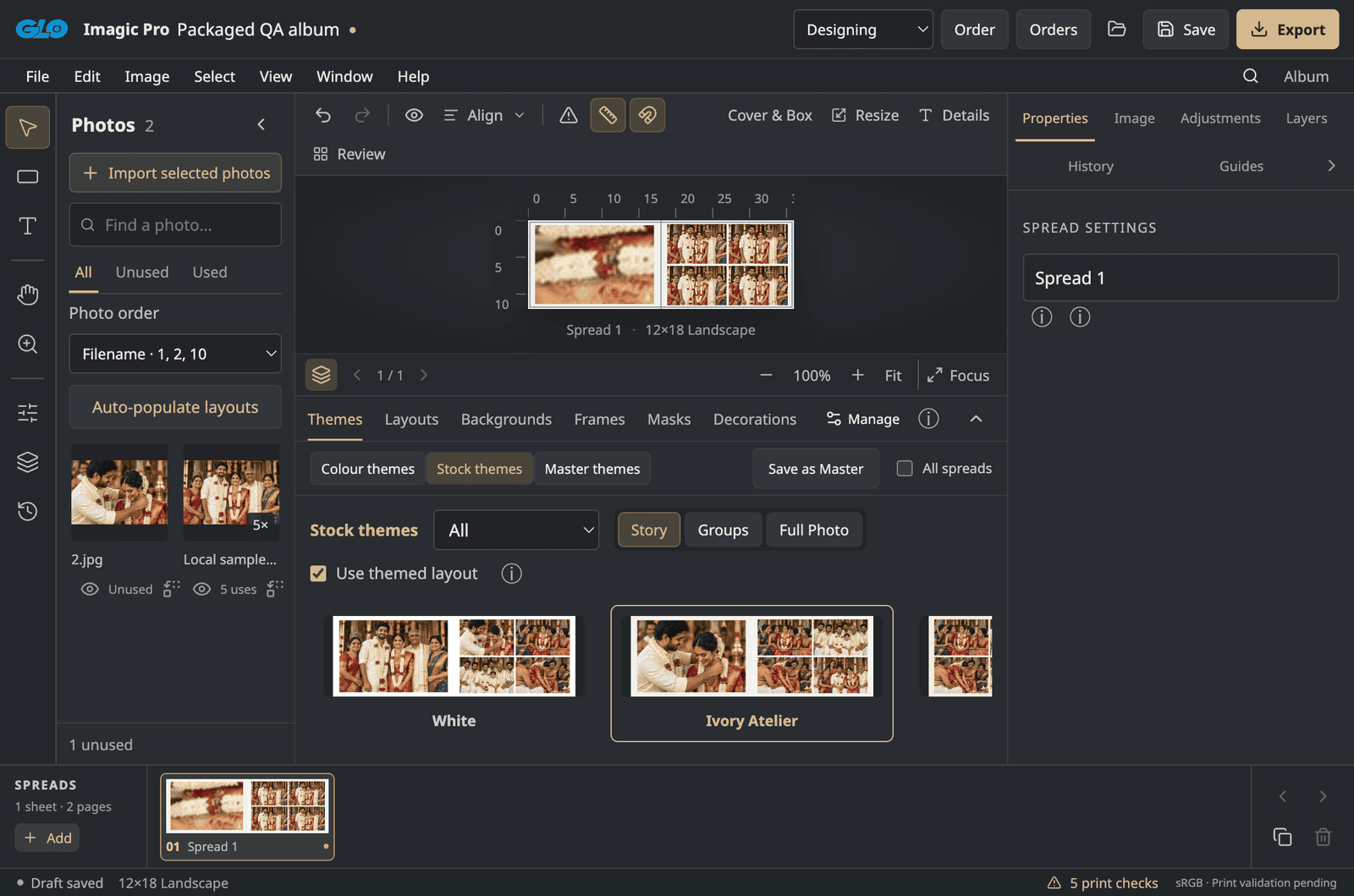
Layouts you can change.
A starting point, not a fixed template. Adjust each spread to suit your photos.

IMAGIC DESIGNER
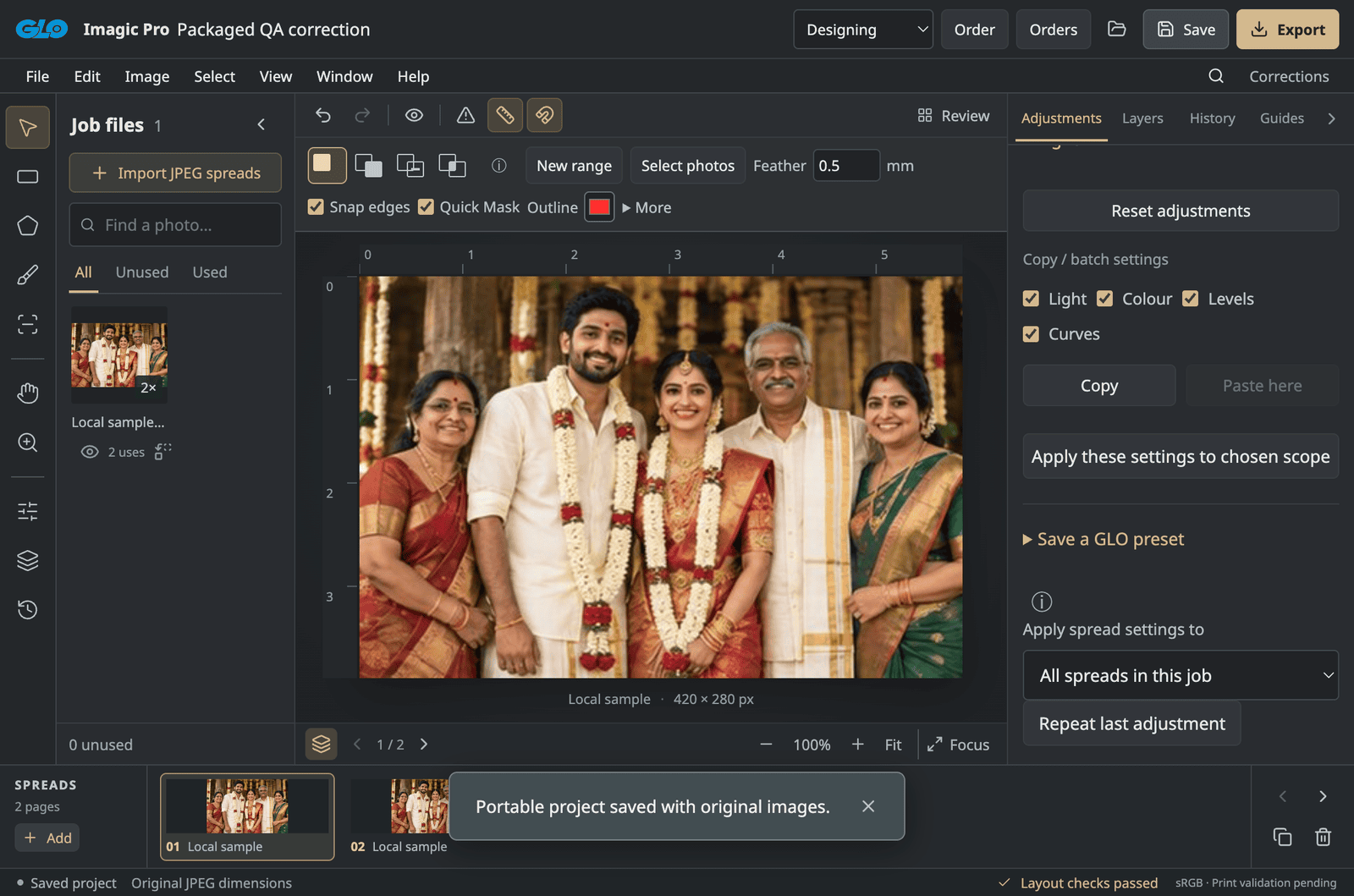
Album design software, built from the ground up at GLO. Bring your photographs, page layouts and colour adjustments into one desktop workspace.
In-house testing now. Customer access to follow.
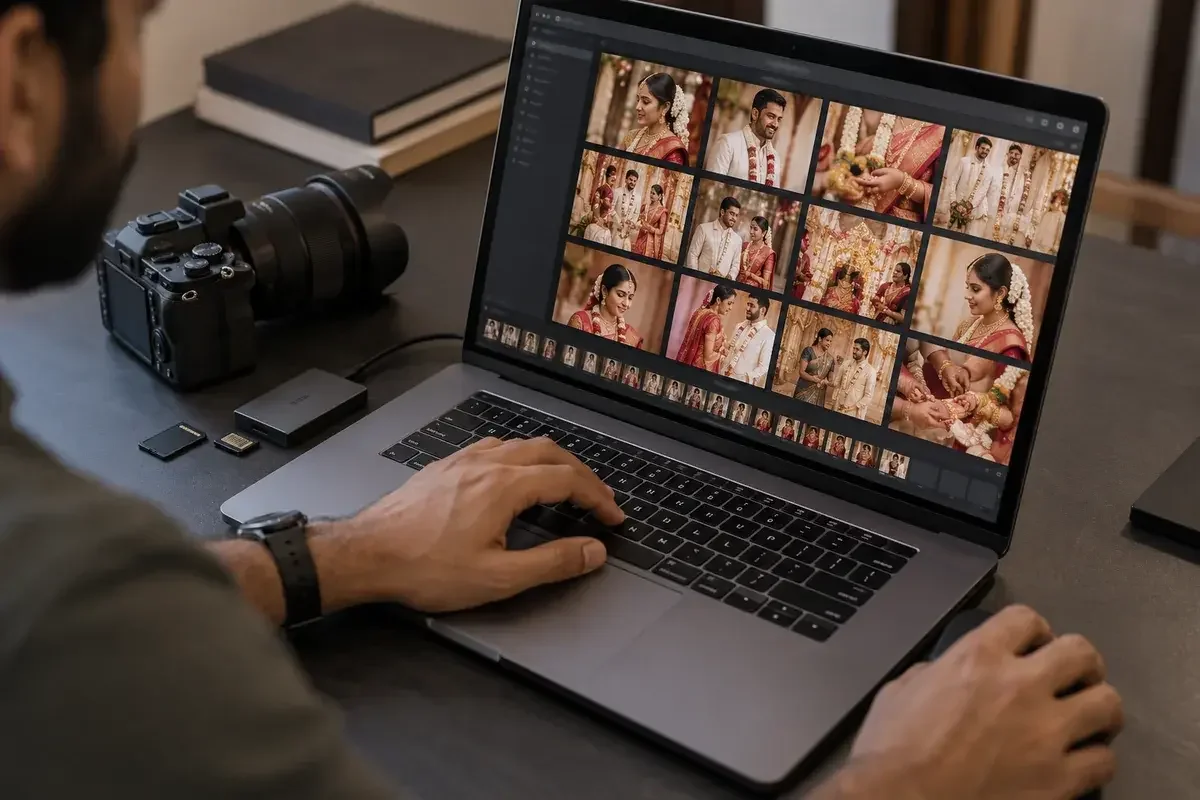
Import your selected images. Arrange them by event or sequence.

Choose the size, format and cover before laying out your photos. Adapt the layout if the size changes.
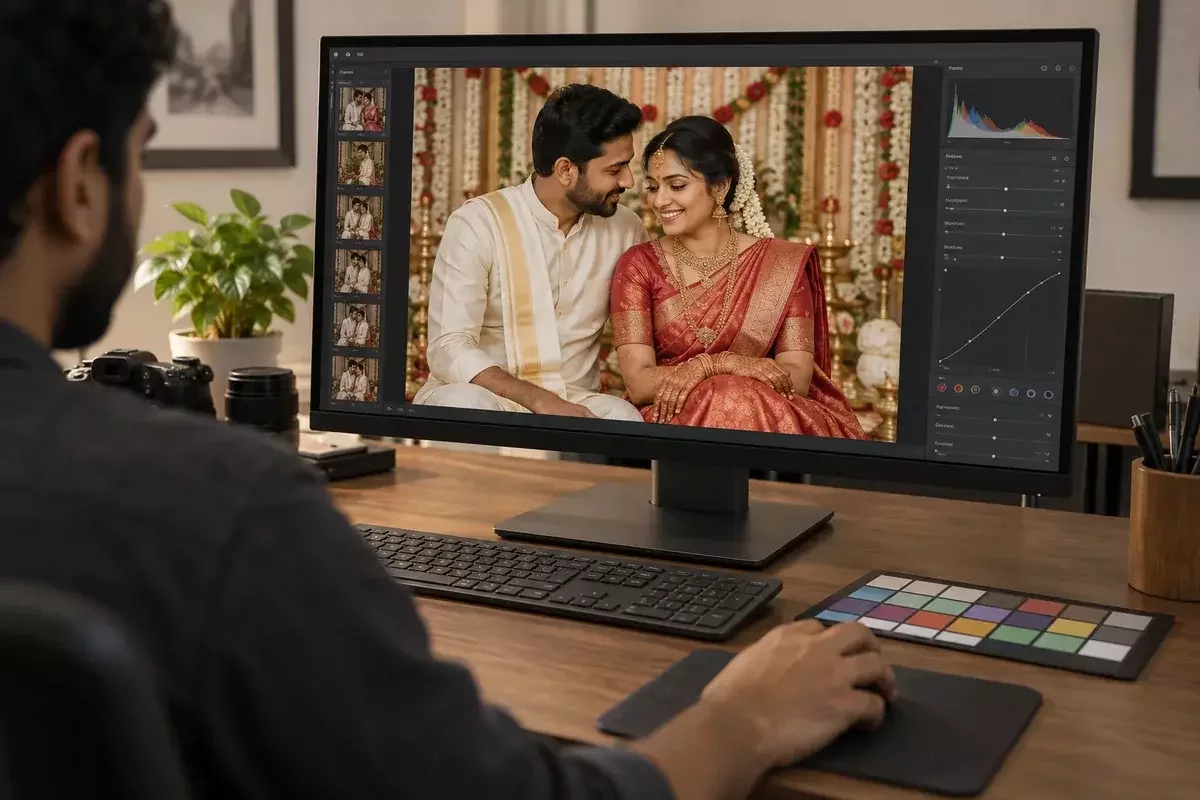
Balance exposure and colour across your selection. Check skin tones from image to image.
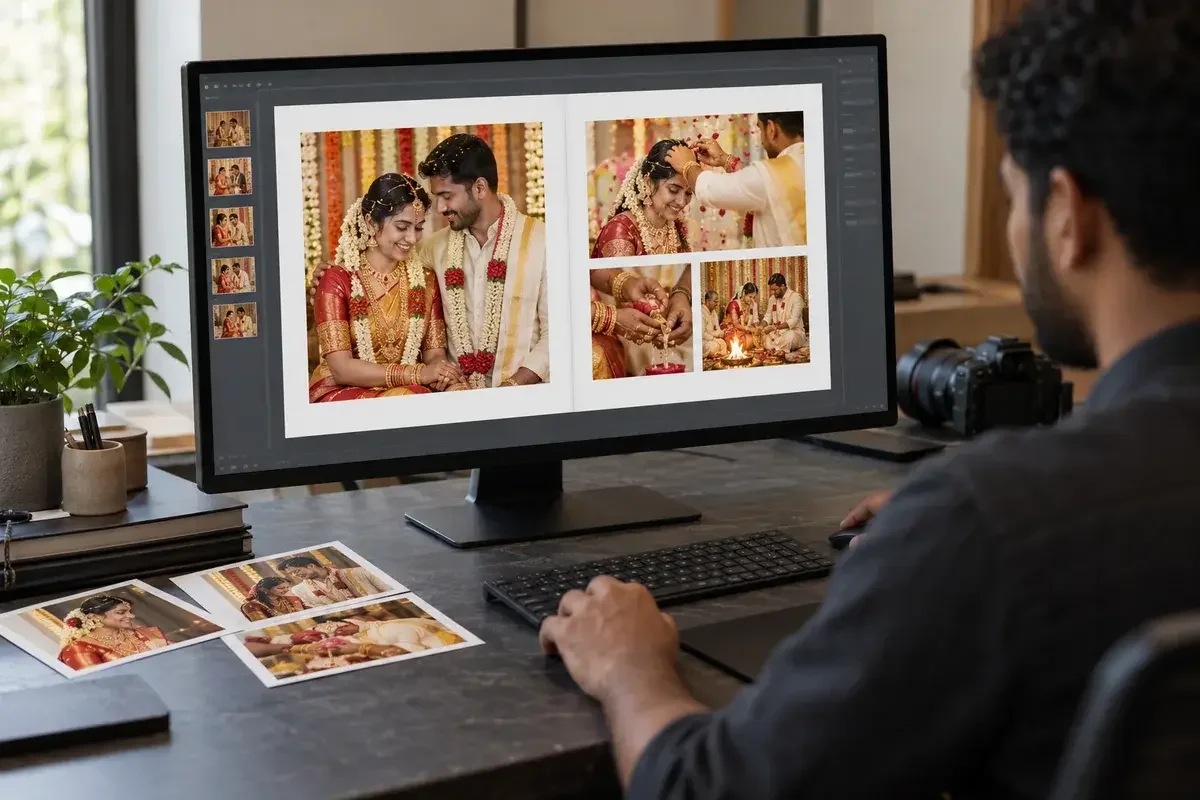
Place photos in batches on each page. Adjust layouts, crops and spacing.
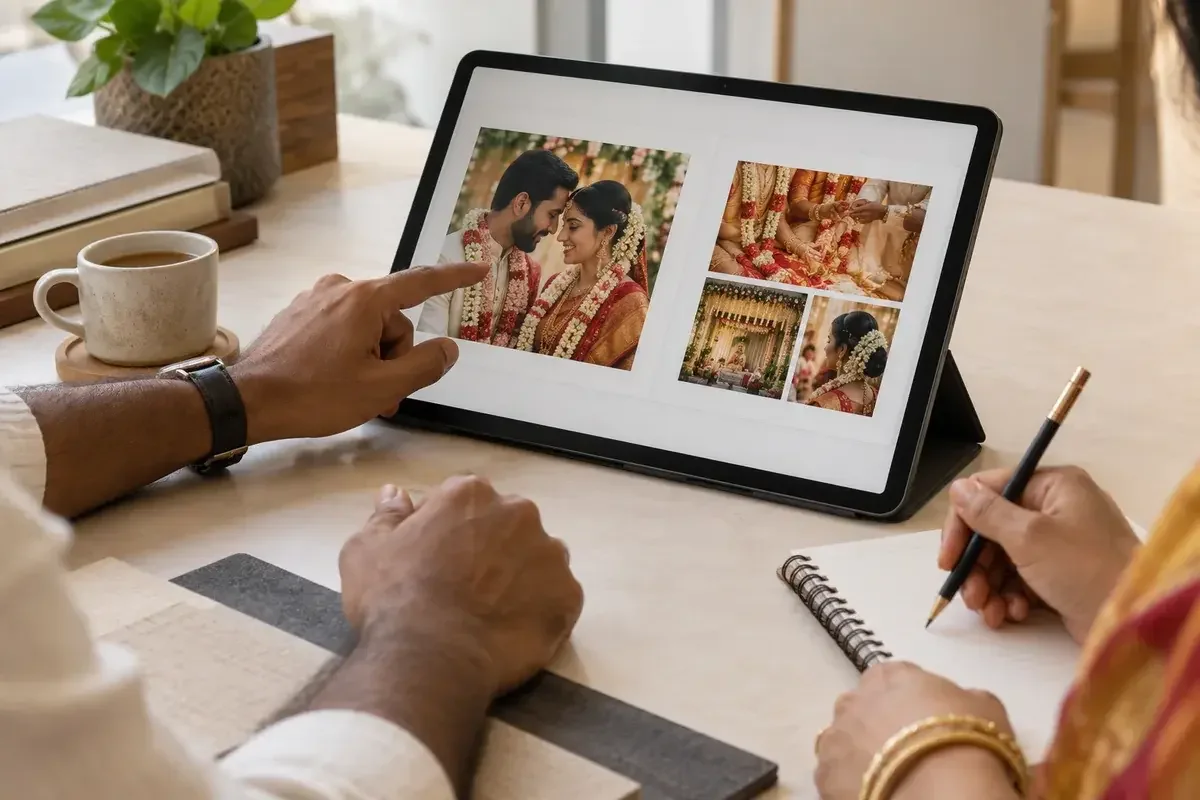
Check the sequence, crops and any text. Get approval before preparing the final print files.
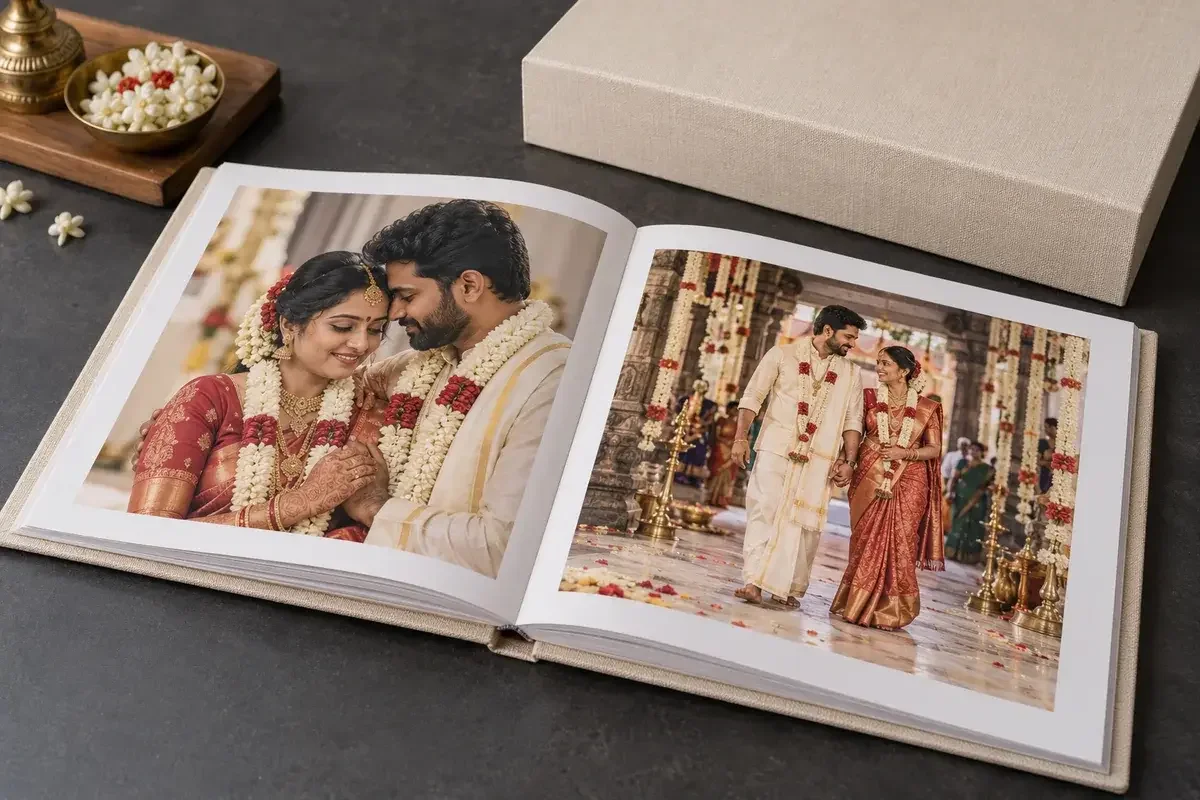
Export high-resolution files and place your order. GLO prints, binds and finishes your album.
THE EDITING TOOLS
Start with a layout. Change the crop, spacing and colour until it feels right.
A starting point, not a fixed template. Adjust each spread to suit your photos.
Refine colour and tone without overwriting your source photos. Compare before and after.
Reopen your project and carry on. Undo and Redo let you revisit changes.
Find empty frames and low-resolution photos before exporting your files.
ALBUM DESIGN SERVICE
Need an album now? Send us your photographs and leave the layout to our team.
Get a design quoteorders@gloimagic.comShare the photos, album size and style.
Our team arranges your photographs into album spreads.
Review the layout with us before print.
CUSTOMER ACCESS
Imagic Designer is in testing with our team. We plan to offer it free to customers. A release date hasn’t been set.
